What is Programming? A Beginner's Complete Guide
Programming in one simple sentence
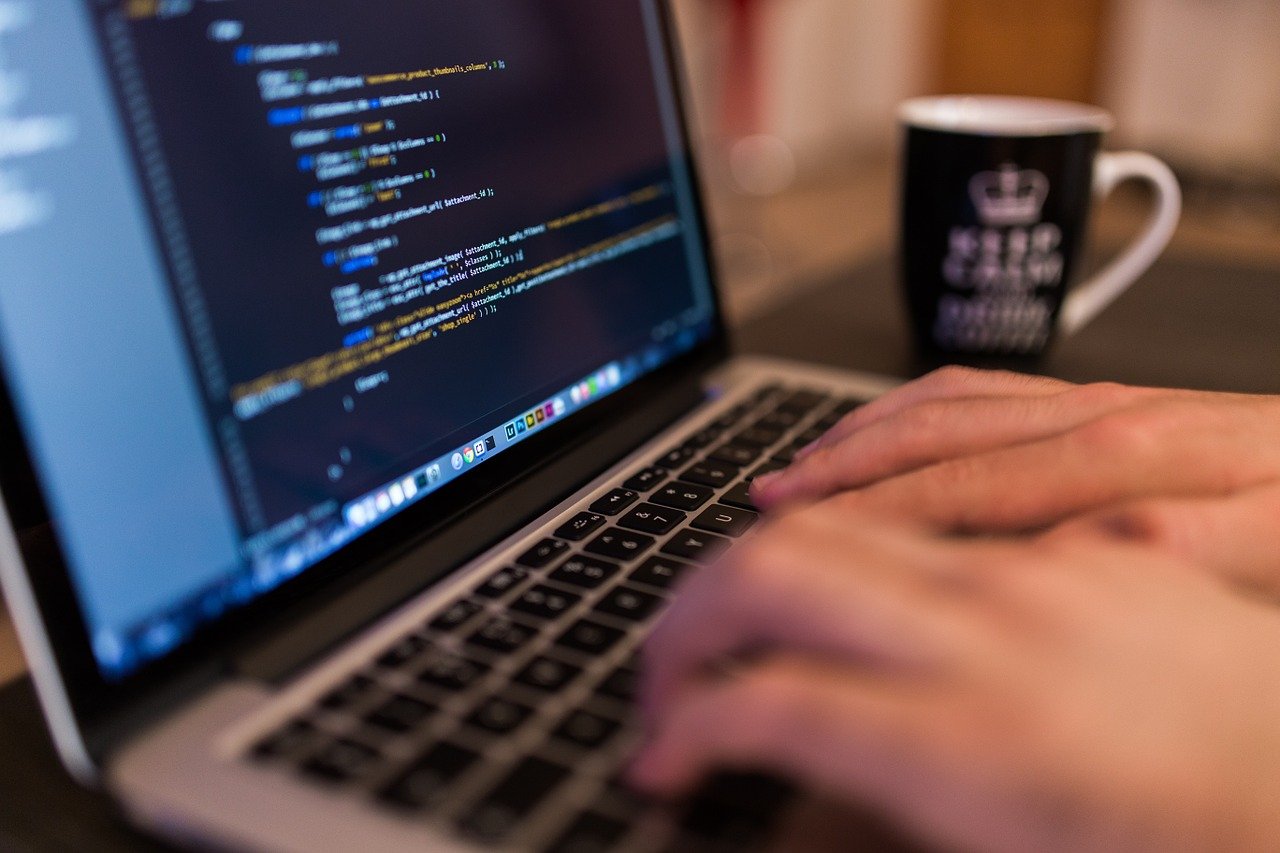
Programming means writing instructions that a computer follows. These instructions are called code, and the person who writes them is a programmer. A computer is very fast and very obedient — but it is not smart. It does exactly what you tell it, nothing more, nothing less.
A real-life example
Think of making tea. Your instructions might be: boil water, put tea in the cup, pour the water, wait two minutes, add sugar. A computer program is the same idea — a list of clear steps, in the right order, that solve a problem. If one step is wrong or missing, the result is wrong.
What is a programming language?
Computers understand only numbers, so humans write code in programming languages that look closer to English. Popular beginner-friendly languages include:
- Python — simple and readable, great for beginners, AI and automation
- JavaScript — the language of websites
- HTML & CSS — not full languages, but the building blocks of every web page
How does code actually run?
You write code in a text editor (like VS Code). Then a special program — an interpreter or compiler — translates your code into machine instructions the processor can execute. When you press “Run”, all of this happens in a fraction of a second.
The three ideas in almost every program
- Sequence — steps run in order, one after another
- Decisions — “if this is true, do that” (
if / else) - Loops — repeat a step many times without writing it again
Go deeper — think like a programmer
Programmers break big problems into tiny steps called an algorithm. Example — withdrawing cash from an ATM: (1) insert card, (2) check PIN, (3) if PIN is wrong, stop; (4) ask amount, (5) check balance, (6) give cash and update balance. Notice the decision and the order — that is real programming thinking, before any code exists.
Practice task (30 minutes)
On paper, write step-by-step instructions for making a cup of tea, then add one decision (“if there is no sugar, skip it”) and one loop (“stir until it dissolves”). Then write the same steps for a friend and let them follow your instructions exactly — every gap they find is a “bug”.
Common mistakes to avoid
- Learning three languages at once instead of finishing one
- Only watching tutorials without typing code yourself
- Giving up at the first error — errors are the job, not a failure
Programming = clear instructions + the right order. Start with one language (Python is a great choice), practise a little every day, and build small things from week one.