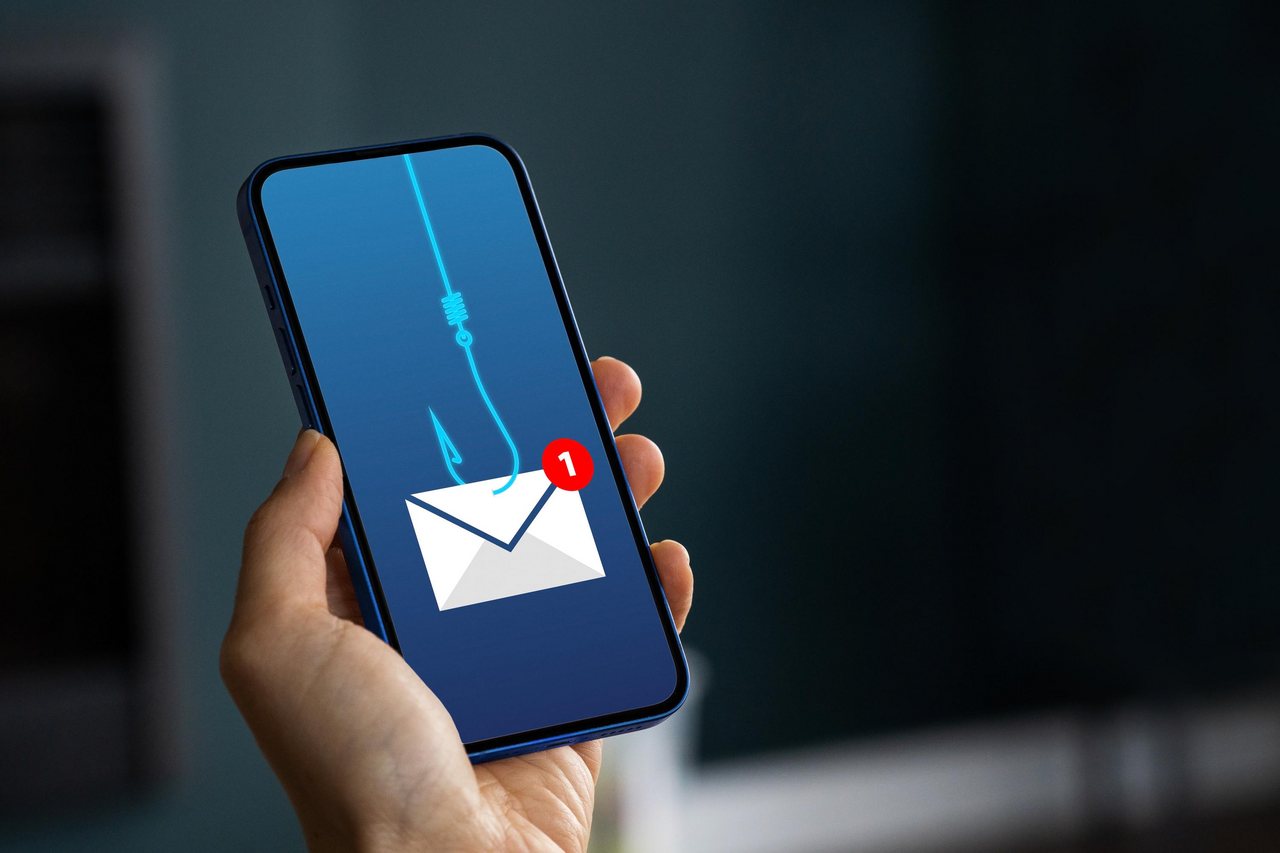
How Phishing Works and How to Spot It
What phishing really is
Phishing is a lie with a link. An attacker pretends to be a bank, a social network, a delivery company or even your university, and sends you a message designed to make you do one thing: click, log in, pay, or share a code — on their fake page, not the real one. The attacker does not break the technology; they trick the person. That is why understanding phishing protects you better than any antivirus.
How an attack unfolds, step by step
- 1. The bait: a message arrives — email, SMS, WhatsApp or social media — with an urgent or exciting story
- 2. The hook: a link leads to a page that looks exactly like the real login page
- 3. The catch: you type your password (or card, or code) and it goes straight to the attacker
- 4. The damage: within minutes the attacker logs in as you, changes your password, and may empty accounts or scam your contacts
Example 1 — the fake email
Subject: “URGENT: Your account will be suspended in 2 hours.” The email uses your bank’s logo and says a suspicious payment was blocked. “Click here to verify your identity.” Look closer: the sender is security@bank-verify-secure.xyz, the greeting is “Dear Customer”, and the link goes to a look-alike address — not your bank’s real domain. Three red flags before you even reach the page.
Example 2 — the fake login page
The page looks perfect — same logo, same colours, same form. But check the address bar: it says instaqram-login.com or faceb00k-verify.net instead of the real domain. Attackers copy designs in minutes; what they cannot copy is the real address. The address bar is the one part of a page that never lies.
Example 3 — the urgent message
An SMS: “Your parcel is held at customs. Pay Rs 150 delivery fee now: track-parcel-fast.link” — or a WhatsApp message from “support” asking for the 6-digit code you just received. Urgency plus a small, believable payment is the classic formula. The code request is the biggest giveaway of all: no real company ever asks for your code.
The red-flag checklist — run it every time
- Urgency or threats (“act now or lose your account”)
- Sender address or number that is almost — but not quite — right
- A link whose real destination does not match the real website
- Requests for passwords, PINs, card numbers or one-time codes
- Generic greeting instead of your name
- Spelling mistakes, strange design, or a prize you never entered for
Two or more flags = treat it as phishing until proven otherwise.
Exactly what to do if you receive one
- Stop. Do not click, reply, or call any number in the message
- Verify independently: open the official app yourself, or type the real website address by hand, and check inside your account
- Report it using the app’s or email service’s report / spam option
- Delete it, and warn family members if the message is spreading
Exactly what to do if you already clicked
- If you only clicked but entered nothing: close the page — clicking alone is usually not enough to hack you
- If you entered a password: change it immediately from the official site, then turn on two-factor authentication
- If you entered card details: call your bank at once using the number on your card and ask them to block it
- If you installed an app or file it offered: uninstall it and run a full antivirus scan
- Warn your contacts — attackers often use a taken-over account to scam the victim’s friends next
Practice task (20 minutes)
Find three recent messages (the spam folder counts). For each one, write down: sender, link destination, and every red flag you can spot using the checklist above — without clicking anything. Then show the checklist to one family member and teach them the two rules: check the address, never share codes. Practise the analysis safely in Lab 10.
Common mistakes to avoid
- Trusting a page because the logo and design look perfect — designs are copied, addresses are not
- Calling the phone number inside a suspicious message — that number belongs to the attacker
- “Testing” a suspicious link to see where it goes
Phishing = urgency + a fake identity + a link. Slow down, check the real address, verify inside the official app, and never share codes — that calm routine defeats almost every attempt.