How a Computer Works: CPU, RAM and Storage Explained
The kitchen analogy
Imagine a kitchen. The chef is the CPU, the counter top is RAM, and the fridge and shelves are storage. Every part of this lesson fits that picture.
CPU — the chef (the brain)
The Central Processing Unit does the actual work: calculations, decisions, running your programs. A faster chef (more cores, higher speed) finishes more dishes at once. When a computer “thinks”, the CPU is doing billions of tiny operations per second.
RAM — the counter top (short-term memory)
Random Access Memory holds the things you are working on right now: open apps, browser tabs, your game. A bigger counter means more dishes in progress without slowing down. But when the power goes off, the counter is wiped clean — RAM forgets everything.
Storage — the fridge (long-term memory)
Your SSD or hard drive keeps files permanently: photos, documents, apps, the operating system itself. It is much bigger than RAM but slower to reach — like walking to the fridge instead of grabbing from the counter.
How they work together
You double-click an app: it is copied from storage into RAM, and the CPU runs it from there. When you save a file, it travels back from RAM to storage so it survives a restart.
What this means when buying a computer
- Slow with many tabs open? You probably need more RAM
- Everything loads slowly? An SSD (instead of an old hard drive) is the biggest upgrade
- Heavy games or video editing? The CPU (and graphics card) matter most
Go deeper — the parts around the big three
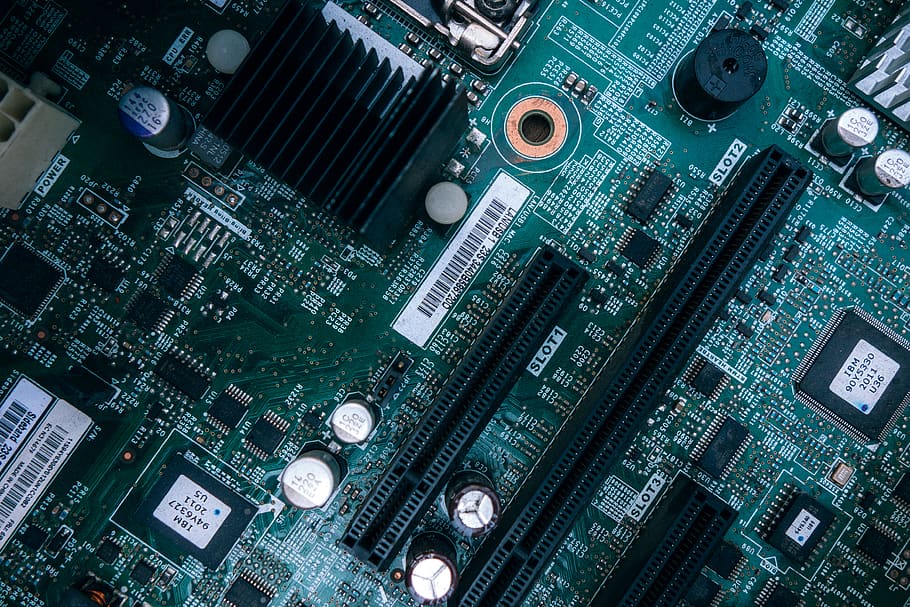
The motherboard is the board that connects everything. The GPU (graphics card) is a second, specialised processor for images, video and AI work. Input and output devices — keyboard, mouse, screen, printer — are how you and the machine talk to each other. A power supply feeds them all; without stable power, nothing else matters.
Practice task (20 minutes)
Find your own computer or phone specifications: CPU model, RAM size, storage size and type. Write one sentence for each explaining what it does, using the kitchen analogy. This small skill — reading specs — impresses in IT interviews and saves money when buying.
Common mistakes to avoid
- Confusing RAM with storage (“my phone has 128 GB memory” mixes the two)
- Buying only on CPU name while ignoring SSD and RAM
- Expecting a software problem to be fixed by new hardware, or the reverse
CPU cooks, RAM is the workspace, storage is the fridge. With this picture in mind, computer specifications finally make sense.